Meta Conversions API: What It Is, How It Works, and How to Set It Up for Lead Funnels (2026)
The Meta Conversions API sends conversion events from a server straight to Meta, so leads still count when the pixel is blocked. How it works with the Meta Pixel, deduplication, Event Match Quality, the setup options, and which events a lead funnel should send. Every Meta figure checked at the source.
 Faheem MushtaqCo-Founder & CTO
Summarize this article with
 ChatGPT
 Claude
 Perplexity
 Grok
The Meta Conversions API (CAPI) is a server-to-server connection that sends conversion events, such as a lead or a booked call, from your server directly to Meta. It runs alongside the Meta Pixel, which sends the same events from the visitor's browser. Because the server copy does not depend on the browser, Meta still receives the conversion when an ad blocker, a browser privacy setting or a dropped cookie stops the pixel from firing.
For a lead funnel behind Facebook or Instagram ads, that means Meta reports conversions you would otherwise lose and optimises delivery on a fuller set of results. This guide covers how the Conversions API works, how it pairs with the pixel, and which events a lead funnel should send.
Every Meta figure below was checked against Meta for Business and Meta for Developers pages on 10 November 2026.
Key takeaways
- The Meta Conversions API sends events from a server; the Meta Pixel sends them from the browser. Meta's guidance is to run both and let Meta remove the duplicates.
- Meta reports a measurable cost benefit. In an announcement dated 15 April 2026, Meta said advertisers with a Conversions API setup for web events saw an average 17.8% lower cost per result than those without one.
- Deduplication works on two matching keys. The pixel's
eventIDmust equal the server event'sevent_id, and the event names must match; Meta deduplicates events received within 48 hours of the first one. - Event Match Quality is scored out of 10. It measures how well the customer information on a server event can be matched to a Meta account, and only matched events are used for attribution and delivery optimisation.
- A lead funnel should send more than one event. Send
Leadon submit and a separate event for qualified leads or booked calls, so Meta can optimise toward the people you actually want. - Meta's conversion leads goal only works with instant forms. Website funnels feed lead quality back to Meta through pixel and Conversions API events instead.
What is the Meta Conversions API?
The Meta Conversions API is an interface that lets a business send web, app and offline events to Meta from its own server. Meta calls each of these a server event. A server event carries the event name, the time it happened, where it happened, and customer information that Meta uses to match the event to a Facebook or Instagram account.
The older Facebook Conversions API and the Meta Conversions API are the same product. Meta renamed its business tools when Facebook, Inc. became Meta Platforms in October 2021, so tutorials use both names.
Technically, a server event is an HTTP POST request to the /events edge of Meta's Graph API, addressed to a pixel ID and authorised with an access token. Meta's developer documentation says a single request can carry up to 1,000 events, and that an event's event_time can be up to 7 days before it is sent. If any event in a request is more than 7 days old, Meta rejects the whole request.
Why the Meta Pixel alone misses conversions
The Meta Pixel is a JavaScript snippet that runs in the visitor's browser. Anything that stops that script, or deletes the cookies it relies on, stops Meta from seeing the conversion.
Two things commonly get in the way:
- Ad blockers and privacy extensions block requests to Meta's tracking domains outright.
- Browser tracking prevention shortens cookie lifetimes. WebKit, the engine behind Safari, documents that Intelligent Tracking Prevention deletes cookies created in JavaScript after 7 days without user interaction with the website. When a visitor arrives from a site classified as a cross-site tracker with click IDs in the link, WebKit caps those cookies at 24 hours.
Paid social traffic is especially exposed: clicks from Instagram and TikTok ads open on phones, often inside in-app browsers (see our mobile conversion statistics for how much landing page traffic is mobile).
The Conversions API sidesteps the browser. When the lead is saved on your server, the server tells Meta, whatever happened in the browser.
Meta Pixel vs. Conversions API
The Meta Pixel and the Conversions API are two delivery routes for the same events, not competing products.
Meta's developer documentation recommends that advertisers implement the Conversions API alongside the Meta Pixel and send the same events through both, which Meta calls a redundant setup. The pixel captures browser context that the server cannot see, and the server fills the gaps the pixel leaves. Meta then keeps one copy of each conversion.
How deduplication works
Deduplication is how Meta avoids counting a conversion twice when it arrives from both the pixel and the Conversions API. Meta's developer documentation describes two methods.
1. Event ID and event name (recommended). The pixel event's eventID must match the server event's event_id, and the pixel event's name must match the server event's event_name. Meta deduplicates events with the same pair if they arrive within 48 hours of the first one, and generally keeps the event it received first.
2. Browser ID or external ID. Meta can also match on event_name plus fbp (the pixel's browser cookie) or external_id (your own visitor ID), but only when the browser event arrives first.
The practical rule: one side creates the event ID and the other reuses it unchanged. Generate the ID in the browser, fire the pixel with it, and send the same ID to your server with the form submission. An ID generated separately on the server never matches the pixel's, so every lead is counted twice.
Event Match Quality: how Meta matches server events to people
Event Match Quality (EMQ) is a score out of 10 that Meta shows in Events Manager for each web event sent through the Conversions API. It indicates how effectively the customer information on the event can be matched to a Meta account.
Matching matters because Meta's best practices page says only matched events can be used for ads attribution and ad delivery optimisation. An unmatched lead is a lead Meta cannot learn from.
Meta lists email, phone number, name and IP address among the high-quality customer information parameters, and says sending additional parameters may help increase Event Match Quality. For a lead funnel, the useful fields are:
emandph: the email and phone number the lead typed, normalised and hashed before sending.fnandln: first and last name, hashed.client_ip_addressandclient_user_agent: sent in the clear; Meta saysclient_user_agentis required for all website events.fbpandfbc: the pixel's browser cookie and the click ID cookie. Meta recommends refreshing these values regularly. If_fbcis missing, it can be rebuilt from thefbclidparameter on the ad's landing URL.external_id: a stable ID you assign to the visitor or lead.
Meta's Business SDK hashes customer information automatically. If you send events without the SDK, you must hash personal fields yourself before they leave your server.
A lead funnel has a natural advantage here: the person has just typed their email and phone number.
Which events should a lead funnel send?
A lead funnel should send one event per meaningful outcome, using Meta's standard event names where they fit. Meta's standard events reference defines the ones a lead funnel needs:
Funnels that sell a subscription use two more standard events, StartTrial and Subscribe; our guide to web-to-app funnels for subscription apps shows where each one fires on a web paywall.
Three rules keep the signal clean:
- Pick one event as the campaign's conversion. If a funnel has two forms, only the one that represents the conversion should send
Lead; otherwise one person reports twice. - Send a separate event for quality. A
Scheduleevent for booked calls, or a custom event such asQualifiedLeadfor high-scoring answers, gives Meta something better than "submitted a form" to optimise toward. - Keep step-level events custom. Page views and answer clicks per step are useful for building audiences, but they should not share a name with the conversion event.
The second rule is the one most setups skip. Meta's conversion leads performance goal, which optimises toward leads that reach a later CRM stage, is only compatible with instant forms, according to Meta's developer documentation for the Conversions API CRM integration. Website funnels get the same effect by sending their own quality event. The quality event matters even more in Meta's special ad categories, where age, ZIP code and lookalike targeting are switched off; our guides to Facebook and Instagram ads for mortgage leads and quote funnels for insurance agents show why the conversion signal becomes one of the few levers left. Our guide to lead qualification covers how to decide which answers count as qualified, and the quiz funnel guide explains answer scoring step by step.
How to set up the Meta Conversions API
There are four common ways to set up the Conversions API, from no code to fully custom.
1. Meta-enabled one-click setup. In its 15 April 2026 announcement, Meta introduced a Meta-enabled Conversions API for websites that it describes as requiring "no technical expertise, no costs, no ongoing maintenance." Meta says it is aimed at advertisers without an existing Conversions API setup, and that partner integrations and custom setups are not affected.
2. A partner integration. Shopify, WordPress plugins, form tools and funnel builders offer built-in connections. You paste a pixel ID and an access token, and the platform sends server events for you. This is the fastest route if your funnel lives on a platform that supports it.
3. Conversions API Gateway. Meta's Conversions API Gateway is a self-serve Meta product that runs in a cloud account the business owns, on AWS or Google Cloud, and sends pixel events to Meta server-side. It needs cloud and DNS access but no event-by-event code.
4. A direct integration. Your developers call the Graph API from your own backend, or route events through server-side Google Tag Manager. This gives full control over which events are sent and when, and is the only option that can send CRM stage changes from your own systems.
Whichever route you choose, the steps are the same:
- Create or choose the pixel in Meta Events Manager.
- Generate an access token in the pixel's Conversions API settings.
- Decide the event map: which funnel step sends
Lead, which sendsSchedule, and which quality event you will add. - Pass one event ID from browser to server for every event sent both ways.
- Send customer information for matching: hashed email and phone, IP, user agent,
fbp,fbcand an external ID. - Verify with a test event code. The Test Events tab in Events Manager gives you a code; server events sent with it as
test_event_codeappear there, labelled by source. - Check deduplication and Event Match Quality in Events Manager after real traffic arrives, then remove the test code.
A worked example: a qualifying funnel behind an Instagram ad
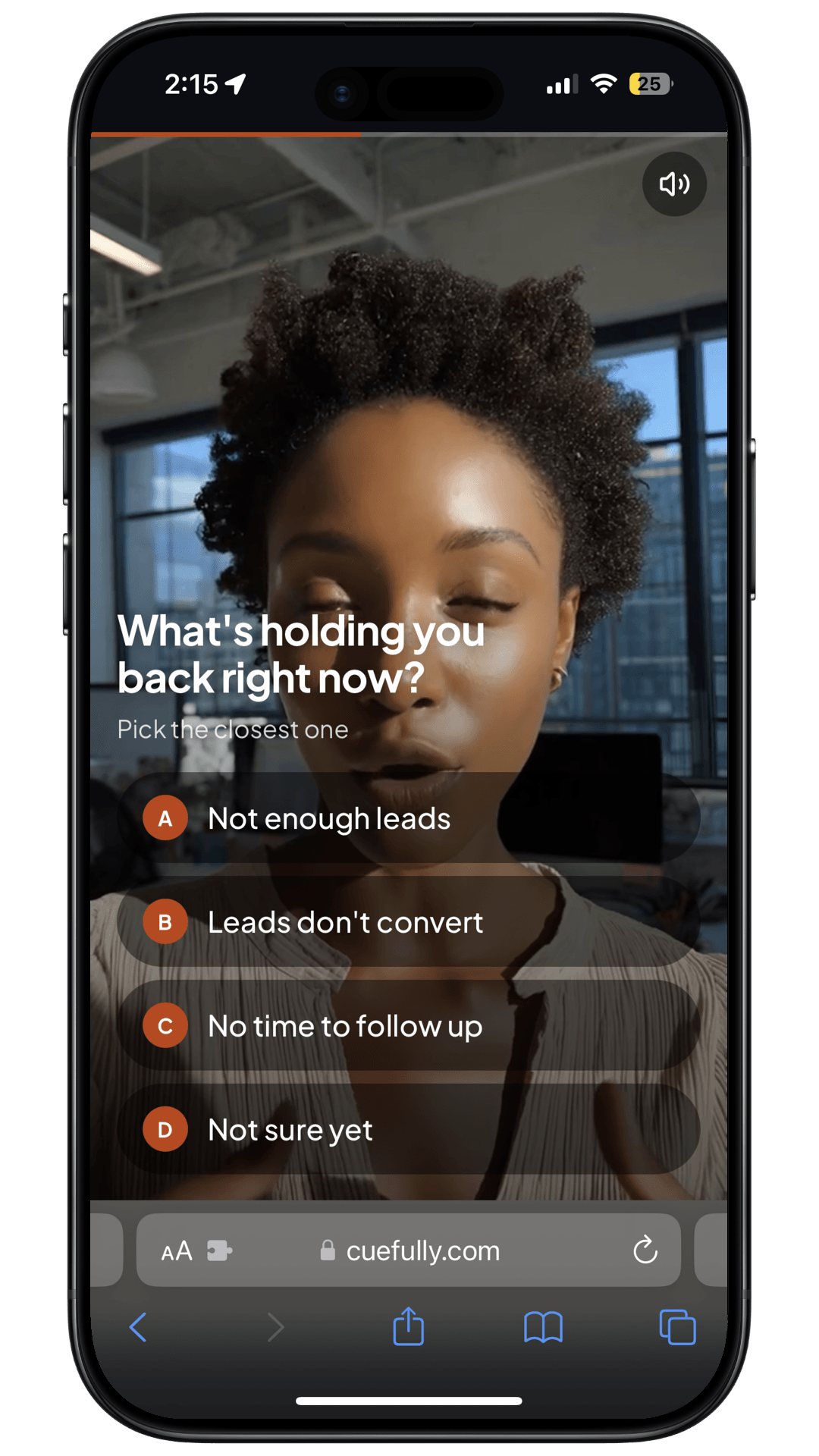
Here is how the event map looks for a funnel like our video lead qualification template, where a host asks three qualifying questions and routes good fits to a booked call and early-stage leads to a free guide.
The campaign starts by optimising for Lead, because that event fires most often and gives Meta enough data to learn. Once the funnel produces enough qualified leads each week to exit the learning phase, the advertiser can test a campaign optimised for QualifiedLead or Schedule instead.
The same map works for a coaching application funnel, with SubmitApplication in place of Lead and Schedule for the strategy call.
How CueFully handles the Conversions API
CueFully, a mobile-first funnel builder for Instagram, TikTok and Meta ad traffic, sets up the Meta Pixel and the Conversions API as one integration. You add a pixel ID and an access token, and the browser and server halves fire from the same setup.
The integration follows the practices above:
- One event ID per event, created in the browser and sent to the server with the submission, so Meta deduplicates the pixel and server copies.
- Customer information hashed with SHA-256 before it leaves CueFully's servers, with IP address and user agent sent in the clear as Meta requires.
fbp,fbcand anexternal_idattached to server events, withfbcrebuilt from the ad'sfbclidwhen the cookie is missing.- An event map per funnel element, so you choose which form, button or screen sends
Lead,Scheduleor another of Meta's 17 standard events, and a multi-form funnel reports its conversion once. - A test event code and delivery logs, so an agency can confirm events reach a client's pixel before the budget goes live.
Because CueFully funnels support branching logic and answer scoring, only high scorers reach the booking step, so the quality signal in the worked example is a mapping, not custom code. CueFully's event map uses Meta's standard event names, which have no "qualified lead" event, so the cleanest quality signal is Schedule mapped to the step that confirms the booking. Don't map it to the calendar screen itself: a screen mapping fires when the screen is shown, which would count visits as bookings. Each client's funnels, leads and tracking settings sit in their own isolated workspace. Our roundup of the best funnel builders for agencies compares how other tools handle the same setup.
Frequently asked questions
What is the Meta Conversions API? The Meta Conversions API is a server-to-server connection that sends conversion events from your server directly to Meta. It works alongside the Meta Pixel so conversions are still reported when browser tracking is blocked.
Do I still need the Meta Pixel if I use the Conversions API? Yes, in most cases. Meta recommends running the pixel and the Conversions API together and deduplicating with a shared event ID. The pixel captures browser behaviour the server cannot see.
How does Meta deduplicate pixel and Conversions API events? Meta matches the pixel event's eventID to the server event's event_id, and the event names to each other. Events with the same pair received within 48 hours of the first one are counted once.
What is a good Event Match Quality score? Meta scores Event Match Quality out of 10 and does not publish a pass mark. Hashed email and phone, IP address, user agent, fbp, fbc and an external ID give a lead event the most to match on.
Does the Conversions API lower cost per lead? Meta reported on 15 April 2026 that advertisers with a Conversions API setup for web events saw an average 17.8% lower cost per result than those without one. Results vary by account, and Meta has not published its method.
Sources and method
Sources were checked on 10 November 2026. The worked example is illustrative; it is not a measured CueFully result.
- Meta for Business — "Pixel and Conversions API updates", 15 April 2026 — average 17.8% lower cost per result for advertisers with a Conversions API setup for web events; Meta-enabled one-click Conversions API.
- Meta for Developers — "Deduplicate Pixel and Server Events" —
event_id/eventIDand event name matching, 48-hour window,fbp/external_idmethod and its limits. - Meta for Developers — "Conversions API best practices" — Event Match Quality scored out of 10, high-quality customer information parameters, only matched events used for attribution and optimisation,
client_user_agentrequired for website events,action_sourcerules, Conversions API recommended alongside the pixel as a redundant setup. - Meta for Developers — "Using the Conversions API" —
/eventsendpoint, up to 1,000 events per request, 7-dayevent_timelimit. - Meta for Developers — Meta Pixel standard events reference — definitions of Lead, CompleteRegistration, SubmitApplication, Schedule and Contact.
- Meta for Developers — "Conversions API for CRM integration" — conversion leads performance goal compatible with instant forms only.
- Meta for Developers — "Conversions API Gateway" — self-serve gateway running in a business-owned AWS or GCP account.
- WebKit — Tracking Prevention in WebKit — 7-day deletion of JavaScript-set cookies without user interaction; 24-hour cap after link decoration from classified trackers.
- CueFully Meta integration — shared browser-minted event ID, SHA-256 hashing,
fbp/fbc/external_id, per-element event mapping, test event code and delivery logs, as implemented in the product.
Running Meta ads to a funnel that only reports half its leads? See a qualifying funnel on your phone — then start free with CueFully.
Build from the guide
Start with the Video Lead Qualification Funnel template
Start from a complete mobile-first flow, customize it for your client, and publish a funnel that captures qualified leads without adding developer work.