Conversion Rate Optimization Tools: The 16 Best, by Job (2026)
Most CRO tool lists rank 25 tools that do different jobs. These 16 are grouped by what they actually do, with pricing checked in August 2026 and the two you probably need.
 Faheem MushtaqCo-Founder & CTO
Summarize this article with
 ChatGPT
 Claude
 Perplexity
 Grok
GrokConversion rate optimization tools fall into two groups that get ranked together as if they were interchangeable: tools that tell you what is wrong, and tools that let you change it. You need one of each. Almost nobody needs twenty-five.
That distinction is missing from most lists in this category, and it is the one that decides what you should actually buy. A heatmap tool will show you that visitors abandon your form at question three. It will not let you fix question three.
Sixteen tools below, grouped by the job they do. All pricing checked 19 August 2026.
Key takeaways
- Diagnostic tools and corrective tools are different purchases. Most CRO lists contain only diagnostic tools, which cannot change anything on their own.
- Microsoft Clarity is free, unlimited, and genuinely good. For most teams it removes any reason to pay for entry-level heatmaps.
- Start with two tools, not a stack — one tool that can change the page, and one free tool to tell you what to change. The corrective one is the purchase that moves the number.
- A/B testing is the most over-bought category here. Below roughly 1,000 conversions/month you cannot reach significance often enough to justify the cost.
- Several major vendors no longer publish prices — VWO, Optimizely and Contentsquare are all quote-only.
The 16 best conversion rate optimization tools
The six categories of CRO tool
The common failure is buying three diagnostic tools and none that are corrective. You end up with an extremely well-documented conversion problem and no way to act on it — which is why the corrective tools are listed first here, and last almost everywhere else.
The corrective layer: tools that change the page
This is the category most CRO lists omit entirely, and without it nothing you learn from the rest ever becomes a fix. Diagnosis is the cheap half of CRO; changing the experience is the half that moves the number.
1. CueFully — best for fixing the step where people actually drop out
CueFully is best when your conversion problem is the form or funnel itself, which on lead-generation traffic is where most of the loss happens.
Every other tool on this list describes the problem. This one changes it. And on lead-generation traffic the diagnosis is almost always the same: people abandon at a specific question, and the flow needs rebuilding rather than restyling.
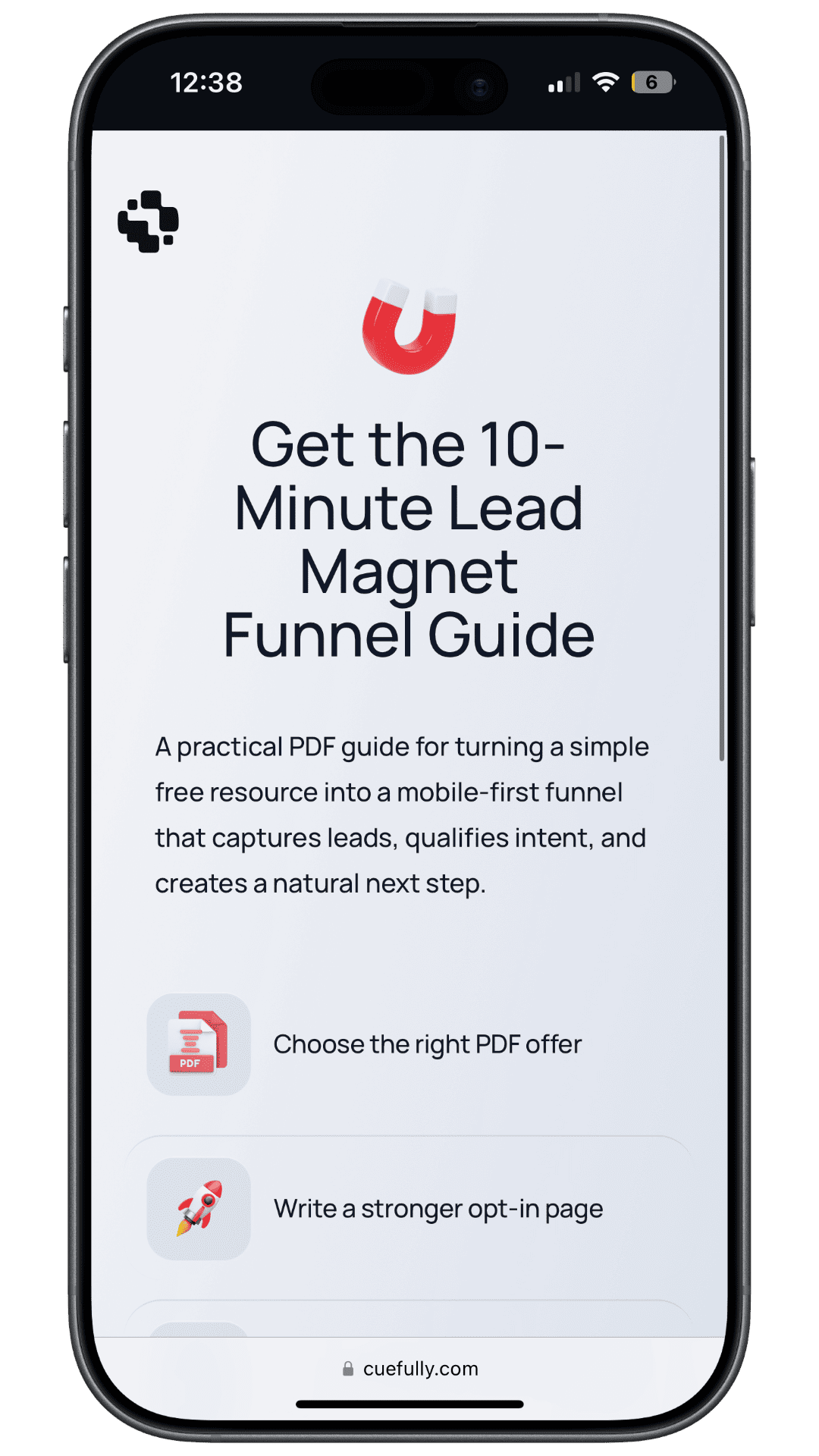
Here is what a CueFully funnel looks like on the device most of your traffic arrives on — the offer first, then one question per step, answered by tapping:
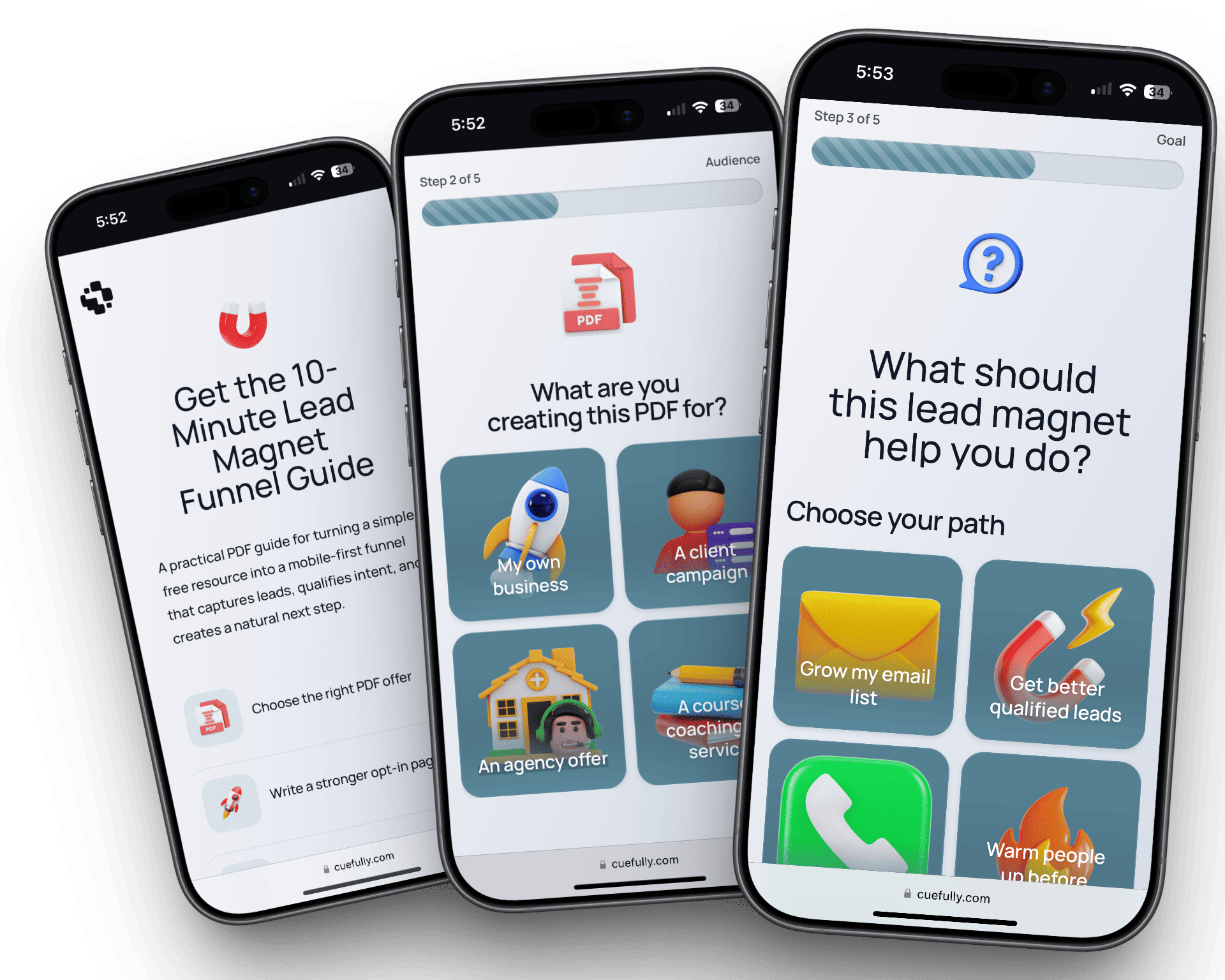
Rebuilt for mobile, where the losses concentrate. Funnels are mobile-first by construction: one question per screen, answered by tapping rather than typing, offer established before the ask. Statcounter put mobile at 52.57% of global web traffic in July 2026, and Zuko's benchmarking puts form completion at 42% on mobile against 47% on desktop — the gap CRO tooling keeps measuring and page builders keep failing to close. The full form abandonment benchmarks put overall view-to-completion at just 45%.
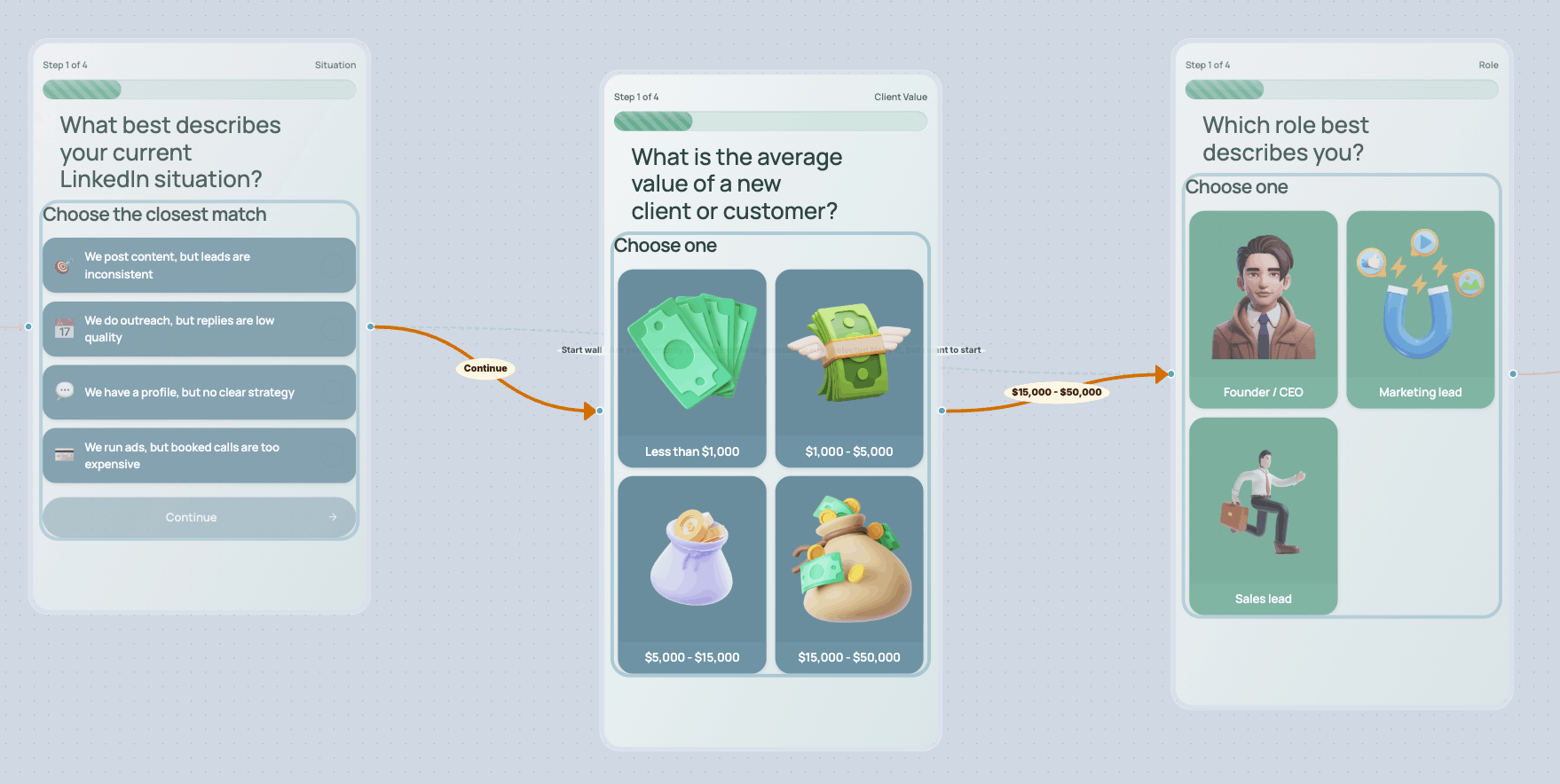
Branching beats optimising a dead end. Funnels adapt to what someone answers, so the hard question lands once a visitor is invested instead of first. The logic is built visually rather than in a rules table:
Step-by-step drop-off, not a single conversion rate. A site-wide conversion number tells you that something is wrong. A funnel journey view tells you which question lost them:
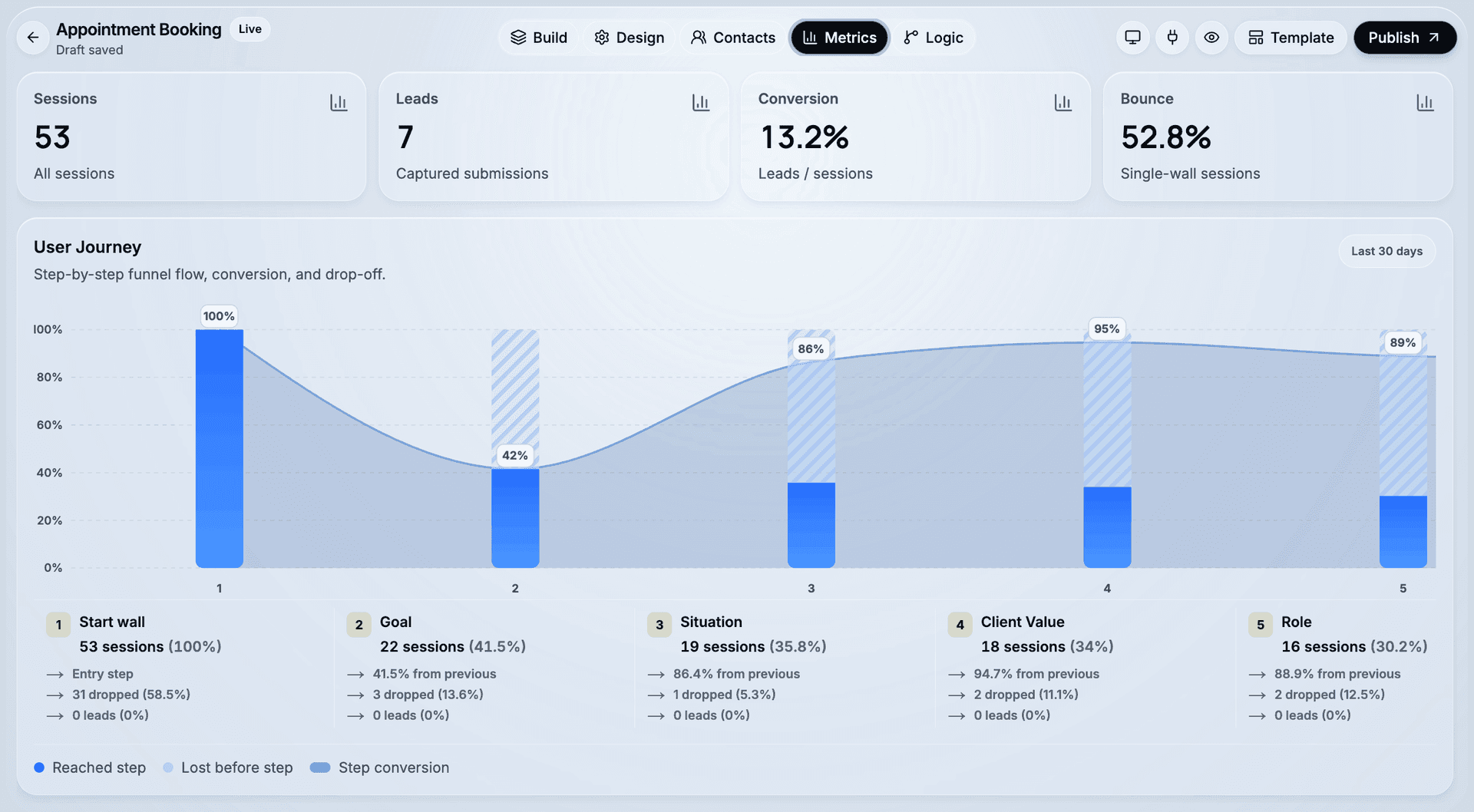
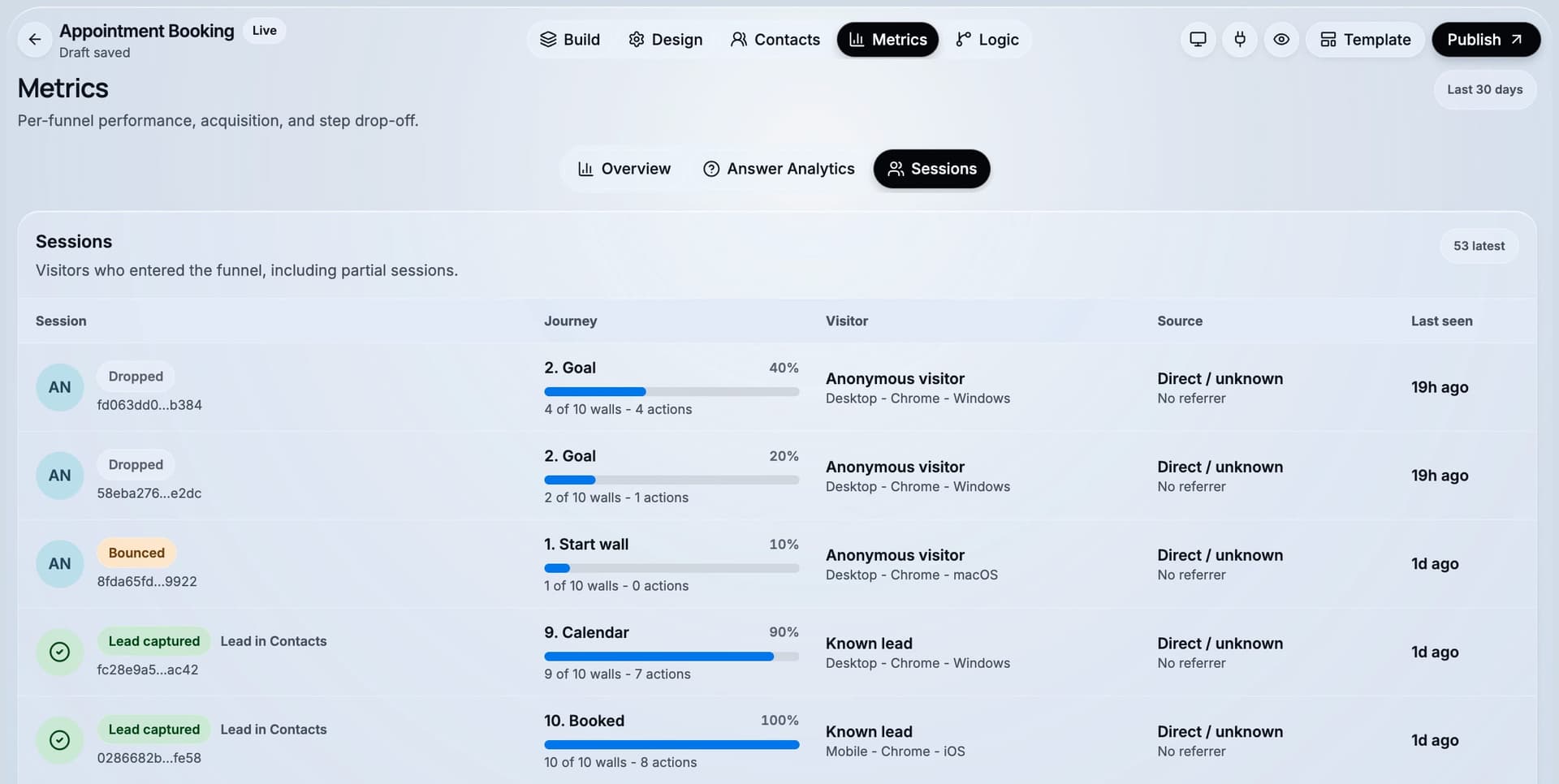
Sessions are tracked, not just submissions. The people who started and left are the group that tells you what to fix, and most form tools never record them at all:
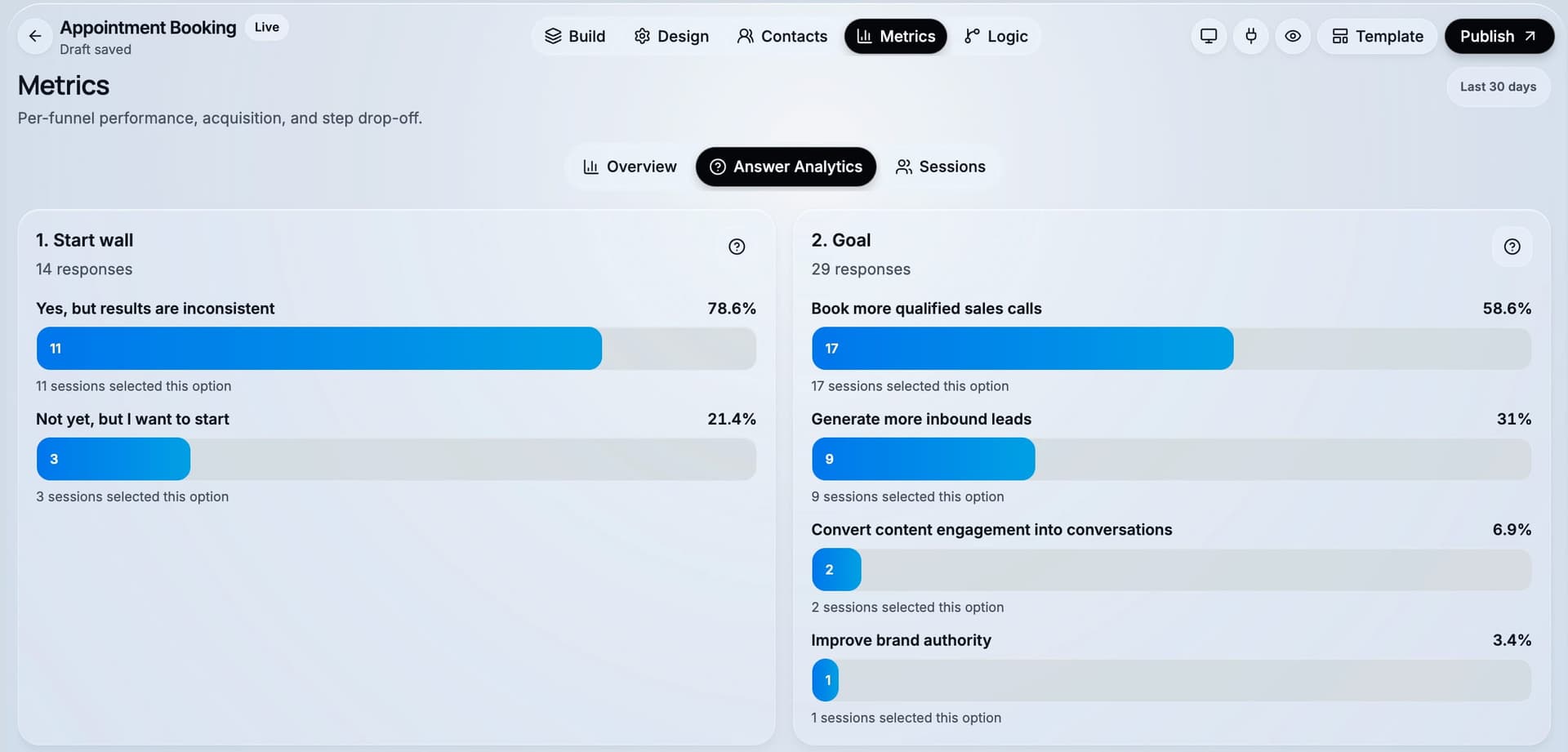
You can read the answers, not just the counts. Aggregated responses per question show whether a step is losing people because it is badly worded or because the audience is genuinely wrong:
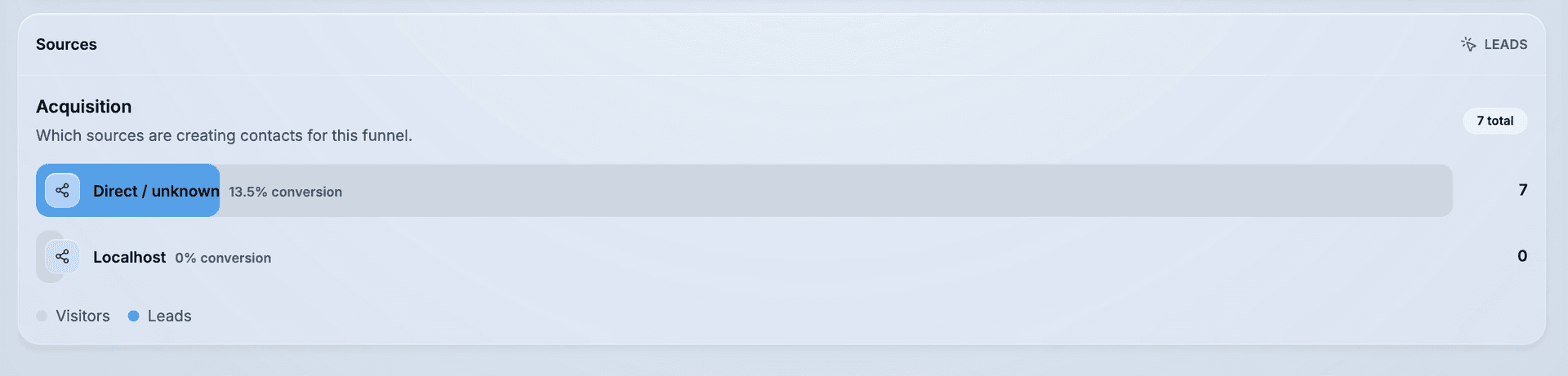
Traffic source and device attached to every lead. Drop-off is rarely uniform across sources, and this is where a badly matched ad set shows up:
Sub-second load. Published funnels load in under a second, which on paid mobile traffic is itself a conversion variable.
Built for a client roster. An isolated workspace per client, reusable brand kits, and no per-lead fees — so a winning campaign never increases the bill. A Meta pixel with server-side Conversions API reports conversions back to the ad account that paid for them, alongside Google Sheets and webhook delivery.
Scope. CueFully is the corrective layer for funnels you build in it, rather than a site-wide analytics product — pair it with a free heatmap tool for pages hosted elsewhere.
Pricing. Listed on the CueFully homepage.
Pick it if your conversion problem is a form or funnel carrying paid mobile traffic.
2. Unbounce — best for testing landing page variants
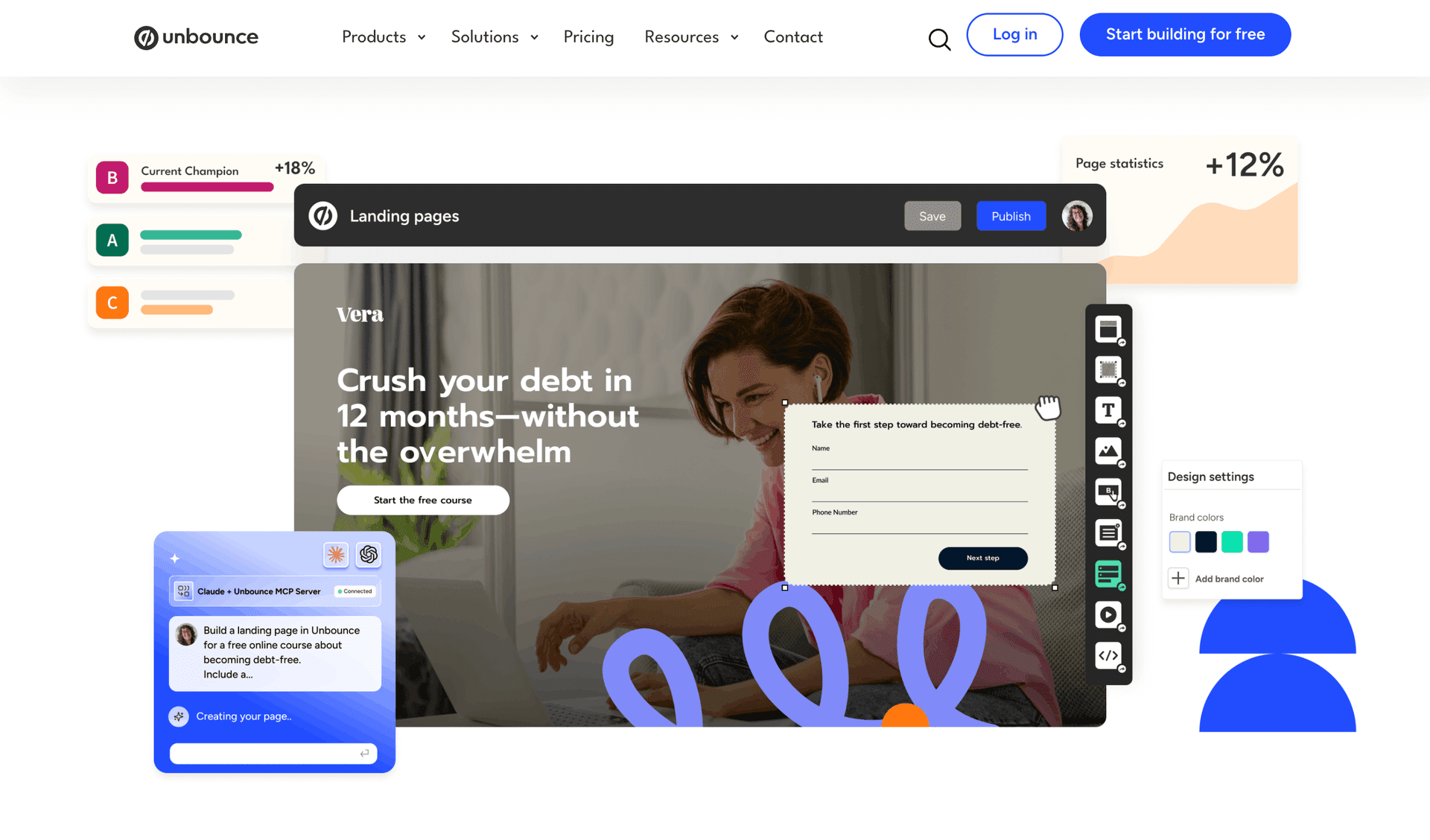
Unbounce is best for teams running paid traffic who need to build and test landing pages without engineering.
Pricing (17 Aug 2026). Starter $29/mo (500 visitors) · Build $99/mo (20,000) · Experiment $149/mo (30,000, 3 users) · Optimize $249/mo (50,000). Unlimited conversions on every plan. Annual saves ~25%.
Where it falls short. Visitor-metered, and Starter's 500 visitors is exhausted in days by a real campaign. If the traffic you are metering arrives from Meta or TikTok rather than search, the format may matter more than the meter — we work through that trade-off in our comparison of Unbounce alternatives for mobile ad traffic.
3. OptinMonster — best for capturing visitors who are leaving
OptinMonster is best for recovering conversions on traffic you already have.
Exit-intent detection, page-level targeting and A/B testing on overlays.
Pricing (17 Aug 2026, introductory annual). Basic $7/mo (2,500 impressions) · Plus $19/mo (10,000) · Pro $29/mo (25,000, exit intent) · Growth $49/mo (100,000). ⚠️ These are 60%-off introductory rates that renew at full price — Basic is $84/year introductory against $210 normally.
We compare this category in more depth in our lead capture software roundup.
Behaviour analytics: what visitors actually do
4. Microsoft Clarity — best free CRO tool, full stop
Microsoft Clarity is best for any team that wants heatmaps and session recordings without a budget conversation.
Free, with no paid tier and no traffic ceiling. Heatmaps, session recordings, and rage-click and dead-click detection. Microsoft funds it because the data improves their advertising products, which is worth knowing but does not make the tool worse.
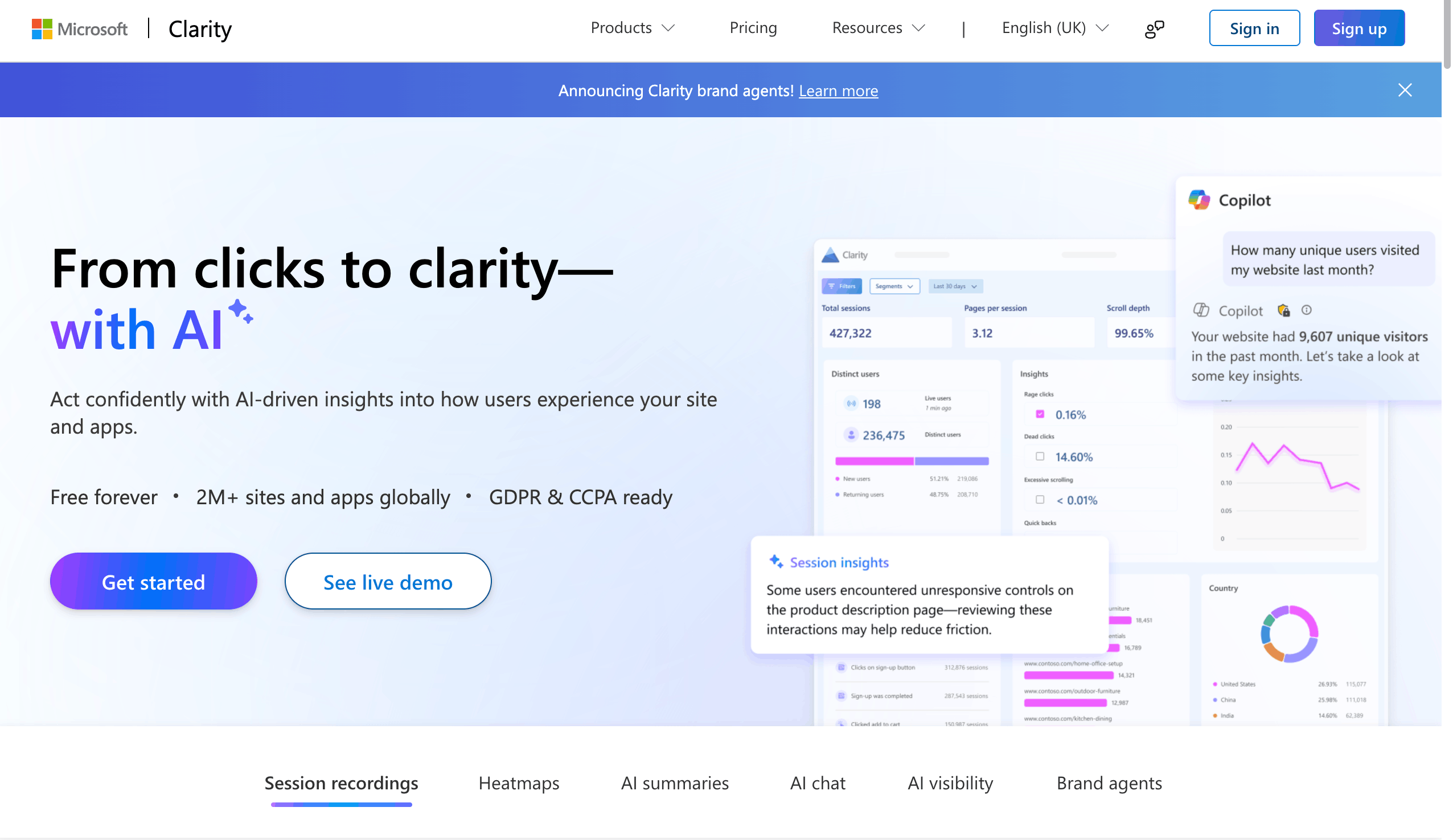
Where it falls short. Less polished than paid rivals, no built-in surveys, and you are giving Microsoft your behavioural data.
Pick it if you have never used a heatmap tool. Start here before paying for anything. Skip it if you have data-sharing restrictions.
5. Hotjar (now part of Contentsquare) — the category default
Hotjar is best for teams that want heatmaps, recordings and on-site surveys in one familiar product.
⚠️ As of 19 August 2026, hotjar.com/pricing redirects to contentsquare.com/pricing. Hotjar has been absorbed into Contentsquare's lineup, and Contentsquare does not publish tier pricing — there is a free entry point and everything else is quote-based. Any article quoting exact Hotjar plan prices for 2026 should be treated with suspicion.
What it does well. The surveys are the real differentiator — asking a visitor why they did not convert usually beats inferring it from a heatmap.
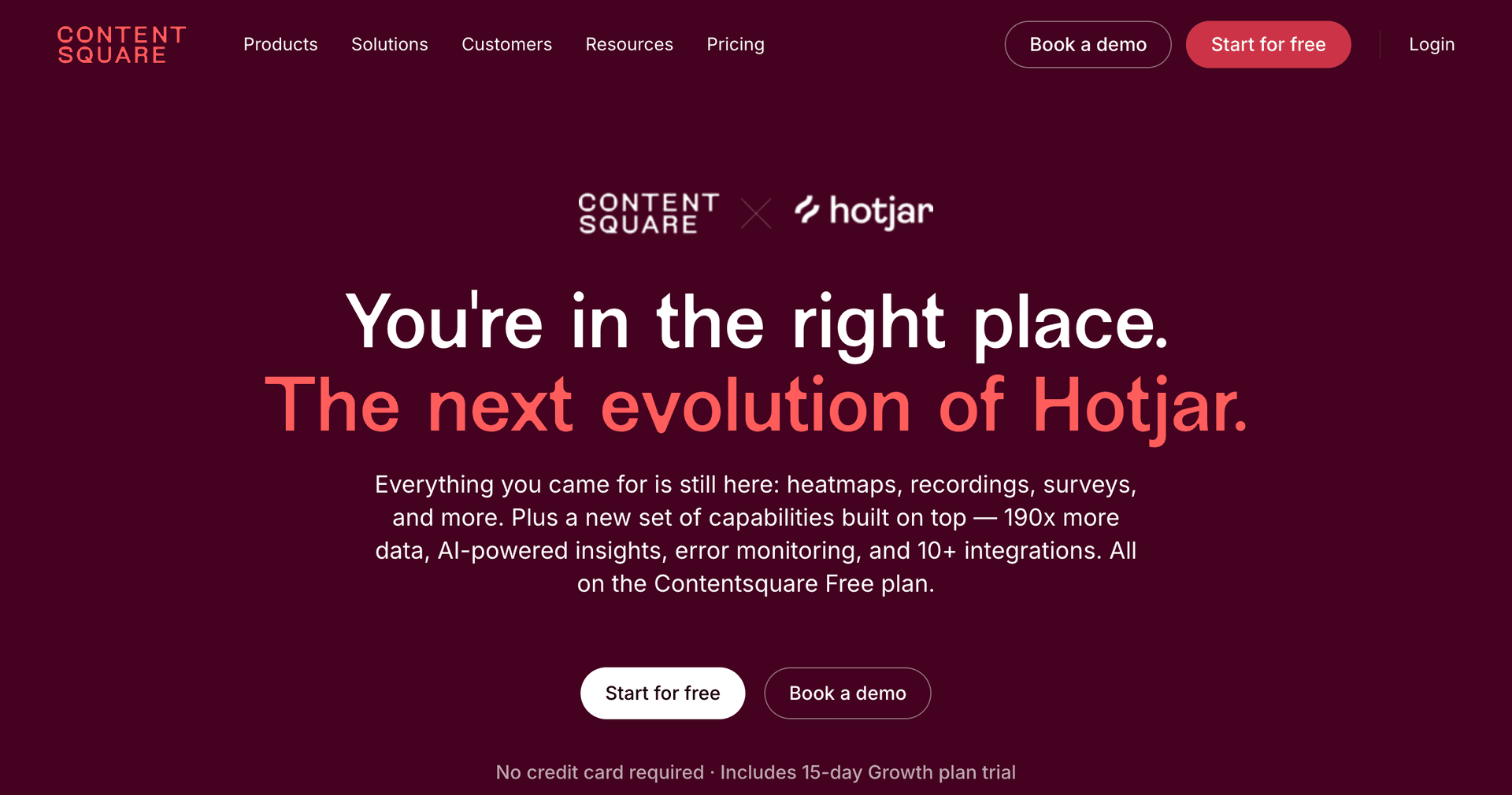
Where it falls short. Pricing opacity post-acquisition, and roadmap uncertainty while it is folded into a larger platform.
Pick it if you want diagnostics and surveys together. Skip it if you need predictable published pricing.
6. Crazy Egg — best transparent heatmap pricing
Crazy Egg is best for teams that want published, predictable heatmap pricing.
Pricing (19 Aug 2026, billed annually). Starter $29/mo (5,000 pageviews, 50 recordings) · Plus $99/mo (150,000 pageviews, 1,000 recordings) · Pro $249/mo (500,000) · Enterprise $599/mo (1,000,000). Unlimited team members on every tier.
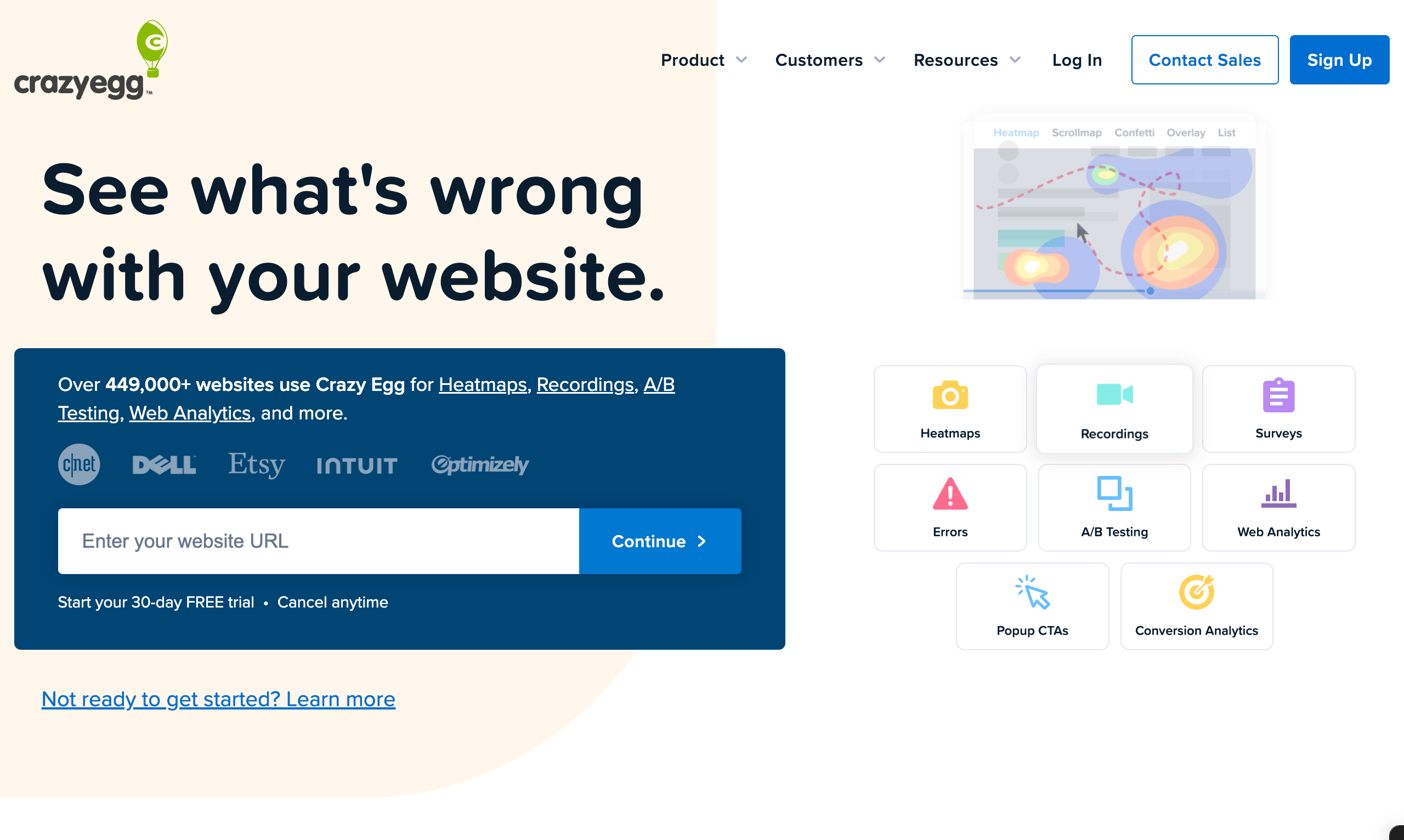
Where it falls short. Starter's 5,000 pageviews/month is very tight, and Microsoft Clarity does the core job free.
Pick it if you want a published price and unlimited seats. Skip it if budget is tight — Clarity covers the basics.
7. Lucky Orange — best all-in-one diagnostics for small sites
Lucky Orange is best for small sites that want heatmaps, recordings, surveys and live chat in one subscription.
Pricing (19 Aug 2026, annual). Build $32/mo (3,500 sessions) · Grow $72/mo (10,000) · Expand $199/mo (50,000+) · Scale $839/mo (300,000+) · Enterprise custom. Extra sites $5 each. 7-day free trial with full access.
Where it falls short. Session-metered, and the jump from Grow to Expand is steep. Base data retention is 60 days.
Pick it if you want conversion funnels and form analytics bundled with heatmaps. Skip it if you only need heatmaps.
A/B testing: proving which version wins
8. VWO — the mid-market experimentation standard
VWO is best for teams running a continuous testing programme with real traffic.
Visual and code editors, unlimited variations and metrics, multivariate testing on higher tiers, plus its own behaviour analytics.
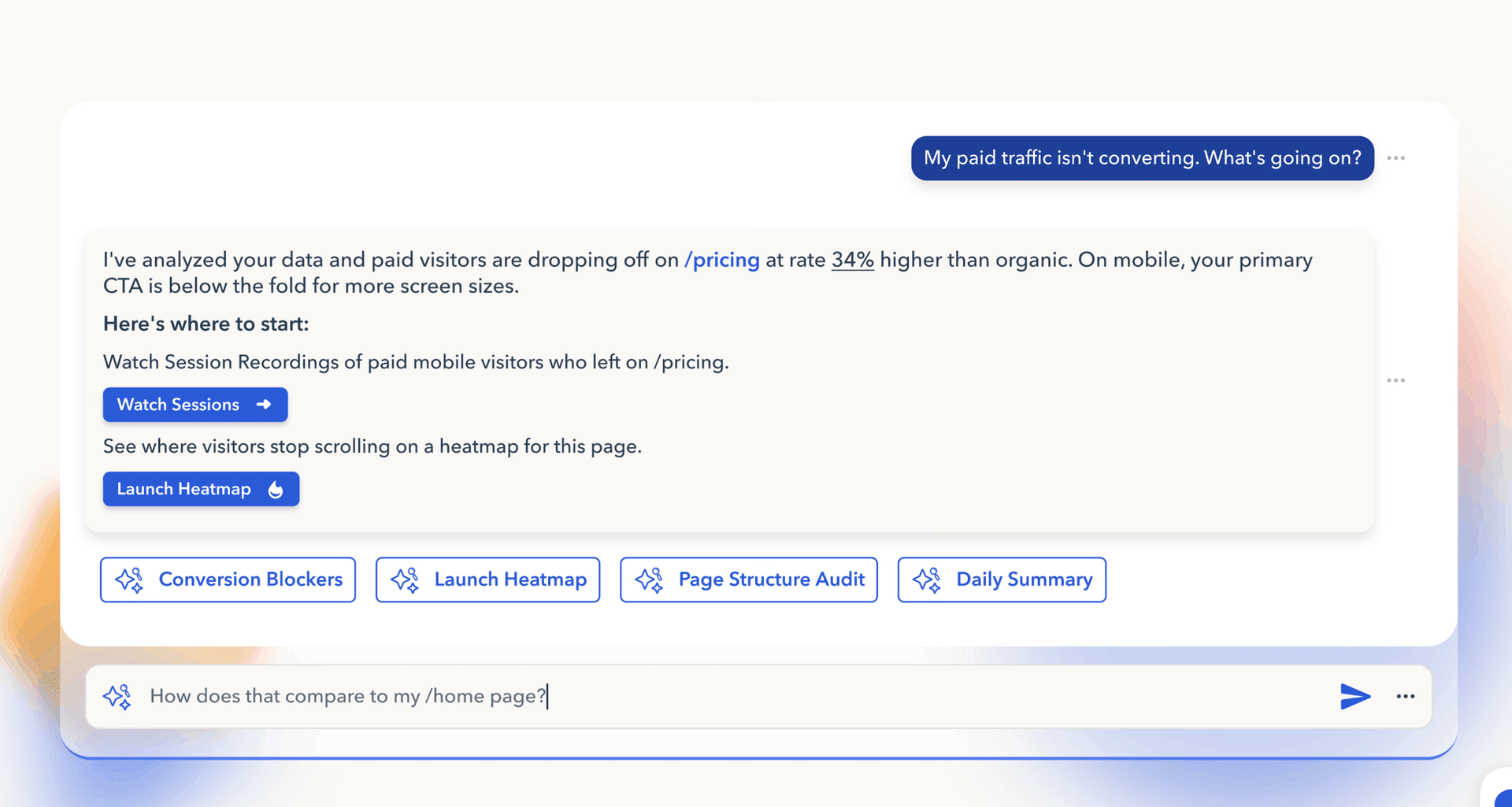
⚠️ VWO no longer publishes prices. Its pricing page lists three tiers — Growth, Pro, Enterprise — with features but no figures. Budget for a sales conversation.
Pick it if testing is a permanent function with an owner. Skip it if you test occasionally.
9. Optimizely — enterprise experimentation
Optimizely is best for large organisations running experimentation across multiple products and teams.
Genuinely powerful, with server-side experimentation and feature flagging. Enterprise-priced and quote-only. For most agencies and small teams this is more platform than the problem requires.
10. AB Tasty and 11. Convert — the mid-market alternatives
Both sit between VWO and Optimizely, and both are quote-based. Worth shortlisting only if you already know you need dedicated testing software.
⚠️ The honest warning about this whole category. A/B testing needs statistical significance, and significance needs volume. Below roughly 1,000 conversions per month you will rarely reach a conclusive result before the test decays. Most teams buy testing software years before it can pay for itself. If you are not sure you have the traffic, you do not have the traffic — spend the money on fixing obvious problems instead.
Product and web analytics: quantifying the leak
12. Google Analytics 4 — free, universal, unavoidable
GA4 is best as the baseline quantitative layer nearly every other tool assumes you have.
Free. Widely disliked for its interface, and still the default. Funnel exploration and path analysis will tell you where people leave, though rarely why.
⚠️ Google Optimize, GA4's free A/B testing companion, was retired in 2023. Lists that still recommend it are stale — a useful signal about the freshness of anything else on that page.
13. Amplitude and 14. Mixpanel — product analytics
Amplitude and Mixpanel are best for product teams analysing behaviour across sessions rather than single visits.
Both offer free tiers and both are stronger than GA4 at cohort and retention analysis. Both are overkill if your "product" is a landing page and a form.
Voice of customer: asking instead of guessing
15. Typeform — best for well-designed exit and feedback surveys
Typeform is best when the survey itself is customer-facing and needs to look good.
Pricing (17 Aug 2026). Free (100 responses/mo) · Basic ~$28/mo · Plus ~$50/mo (1,000) · Business ~$83–99/mo (10,000). Volume limits are tight — see our Typeform vs Jotform comparison.
16. Lyssna — best for testing designs before launch
Lyssna is best for validating a page with real users before you spend traffic on it.
Five-second tests, first-click tests and preference tests against a recruited panel. The cheapest way to catch an unclear value proposition is to find out before launch rather than after 10,000 visitors.
How do you choose conversion rate optimization tools?
Buy in this order. Most teams stop after step two and are right to.
1. Get the diagnostic layer for free. Microsoft Clarity takes ten minutes and costs nothing, and GA4 you already have. Neither will change anything, but you should not guess. There is no argument for paying at this step.
2. Buy one corrective tool — this is the actual purchase. Everything above only describes the problem. If the failure is your form or funnel, which on lead-generation traffic it usually is, that is a funnel builder. If it is a standalone campaign page, a landing page builder. If visitors leave without engaging at all, an overlay tool. Spend your budget here, not on a third way to measure the same drop-off.
3. Add voice of customer when you plateau. Once the obvious problems are fixed, the remaining ones usually cannot be inferred from behaviour. Ask.
4. Add A/B testing only when volume justifies it. Around 1,000+ conversions/month. Before that, ship the better version and move on.
5. Ignore the rest until something specific forces the issue. Personalisation, feature flagging and enterprise experimentation solve problems most teams do not have yet.
One structural point worth more than any tool choice: the biggest conversion gains usually come from sequencing rather than styling. Asking the easiest question first and the hardest in the middle moves numbers further than button colour ever will — covered in our guide to high-converting landing pages and in why multi-step forms outperform single-page ones.
FAQ
What are conversion rate optimization tools?
Conversion rate optimization tools are software that helps you increase the share of visitors who take a desired action. They split into diagnostic tools that show what visitors do — heatmaps, session recordings, analytics, surveys — and corrective tools that let you change the experience, such as landing page builders, funnel builders and on-site messaging. A complete setup needs at least one of each.
What is the best free conversion rate optimization tool?
Microsoft Clarity is the best free CRO tool. It provides heatmaps, session recordings and rage-click detection with no paid tier and no traffic limit. Google Analytics 4 is also free and covers quantitative analysis. Together they give most teams a complete diagnostic layer at no cost.
How much do conversion rate optimization tools cost in 2026?
Entry pricing ranges from free to around $99/month per tool. As of 19 August 2026: Microsoft Clarity and GA4 are free, Crazy Egg starts at $29/month, Lucky Orange at $32/month, Unbounce at $29/month and OptinMonster at $7/month on introductory annual pricing. Enterprise experimentation platforms including VWO, Optimizely and Contentsquare no longer publish prices and are quote-only.
Do I need an A/B testing tool for conversion rate optimization?
Probably not yet. A/B testing requires enough conversions to reach statistical significance, generally around 1,000 per month before tests conclude reliably. Below that, tests run too long to be useful and you should implement the better version directly. Testing software is the most commonly over-bought category in CRO.
Is Hotjar still available in 2026?
Yes, but it is now part of Contentsquare, and as of 19 August 2026 the Hotjar pricing page redirects to Contentsquare's. Contentsquare does not publish tier pricing publicly, so exact Hotjar plan prices quoted in other 2026 articles may be out of date.
What is the difference between CRO tools and analytics tools?
Analytics tools quantify what happened — how many visitors arrived, where they left. CRO tools include analytics but extend to understanding why people behave as they do, through heatmaps, recordings and surveys, and to changing the experience through testing, page building and on-site messaging. Analytics is a component of CRO, not a synonym for it.
Which conversion rate optimization tool should I buy first?
The first tool you buy should be a corrective one — something that can change the experience — because diagnostic tools cannot fix anything on their own. Match it to where you lose people: a funnel builder such as CueFully if visitors abandon your form or multi-step flow, a landing page builder such as Unbounce if campaign pages underperform, an overlay tool such as OptinMonster if people leave without engaging. Add Microsoft Clarity alongside it, since it is free and shows you what to change. Two tools handle most situations.
Pricing for Crazy Egg, Lucky Orange, Unbounce, OptinMonster and Typeform was checked from each vendor's public pricing page on the dates noted. VWO, Optimizely, AB Tasty, Convert and Contentsquare do not publish tier pricing. CueFully pricing was not verified here. Vendors change prices without notice — confirm on the vendor's own site before purchasing.
Build from the guide
Start with the Lead Magnet Funnel template
Start from a proven mobile-first flow, customize it for your client, and publish a funnel that captures qualified leads without adding developer work.