Job Application Form: What to Include & What to Cut
What belongs on a job application form, which fields cost you good candidates, the types to choose between, and a worked example of one people finish.
 Faheem MushtaqCo-Founder & CTO
Summarize this article with
 ChatGPT
 Claude
 Perplexity
 Grok
GrokA job application form collects the information you need to decide whether to interview someone, and nothing else. Most application forms fail because they collect far more than that, which costs completions without improving decisions.
This guide covers the types of form to choose between, what belongs on each, what to cut, and a worked example of an application flow built the way the rest of this article argues for.
What types of job application form are there?
Five types cover almost every hiring situation, and picking the wrong one is the most common upstream mistake.
The default for most employers should be a short multi-step flow, with the standard long form reserved for situations where a regulator or a client contract actually requires the full record.
What should a job application form include?
Six sections, in roughly this order. Each one should earn its place against a single test: will this answer change whether we interview them?
1. Role and position. Which job they're applying for, and which location or team if you're hiring for several. Make this a selection rather than a free-text field so applications sort themselves.
2. Availability. Start date, and shift or hours where relevant. This is the cheapest disqualifier you have and it feels like an easy question rather than a screening one.
3. Genuine must-haves. Licences, certifications, right to work, physical requirements, clearances. Only the things that actually disqualify someone. If you would still interview a candidate who answered "no," it doesn't belong here.
4. Relevant experience. A small number of targeted questions rather than a full employment history. For most roles, three questions about what they've actually done beats a chronological list you won't read.
5. One open question. Something that reveals thinking: "Why this role?" or "What would make this a good move for you?" One is enough. Two feels like homework.
6. Contact details. Name and one reliable contact method. Not both email and phone unless you genuinely use both.
Anything beyond those six is costing you completions without improving your decisions.
What should you cut from a job application form?
These are the fields that most reliably lose candidates while adding little:
A note on sensitive information: many jurisdictions restrict what employers may ask about age, health, marital or family status, criminal history, and salary history, and the rules vary considerably by country and by state or region. Keep the form to what the role genuinely requires and check the rules that apply where you're hiring.
Why do online application forms lose candidates?
The drop-off is concentrated at the start and at one specific field type.
At the start: candidates decide whether to begin by glancing at the form. A long single page tells them this will take twenty minutes, and they close it before typing anything. The decision is made in about a second, on appearance alone.
At upload: requiring a document on a mobile device breaks a large share of applications. The candidate has to find the file, which may be on another device, which means "I'll do it later." And later rarely comes.
There's an asymmetry worth understanding: the strongest candidates abandon first. They have other options and less tolerance for friction. A painful application process doesn't reduce applications evenly. It filters for people with the fewest alternatives.
How do you structure an application people finish?
Break it into steps rather than presenting one long page. A multi-step form asks one thing per screen, so the first ask is small and each answer makes the next more likely.
The order that works:
- Open with the role and an easy choice. Which position, or which location. A selection, not typing.
- Availability next. Still easy, and it screens out mismatches early without feeling like screening.
- Must-haves in the middle. Licences, right to work, certifications. The candidate is invested by now.
- The open question after that. They'll write more once they've committed to finishing.
- Contact details last. By this point they've done the work and want the outcome.
Two rules that matter as much as the order:
- Design for a thumb. Large tap targets, the right keyboard per field, no horizontal scrolling, and never lose entered answers when someone goes back a step.
- Say what happens next. "We reply to every application within five working days" removes the hesitation that comes from not knowing.
What does a good application flow look like in practice?
Principles are easier to argue with than examples, so here is a complete one. This is our recruitment funnel template, an eleven-step application you can walk through yourself.
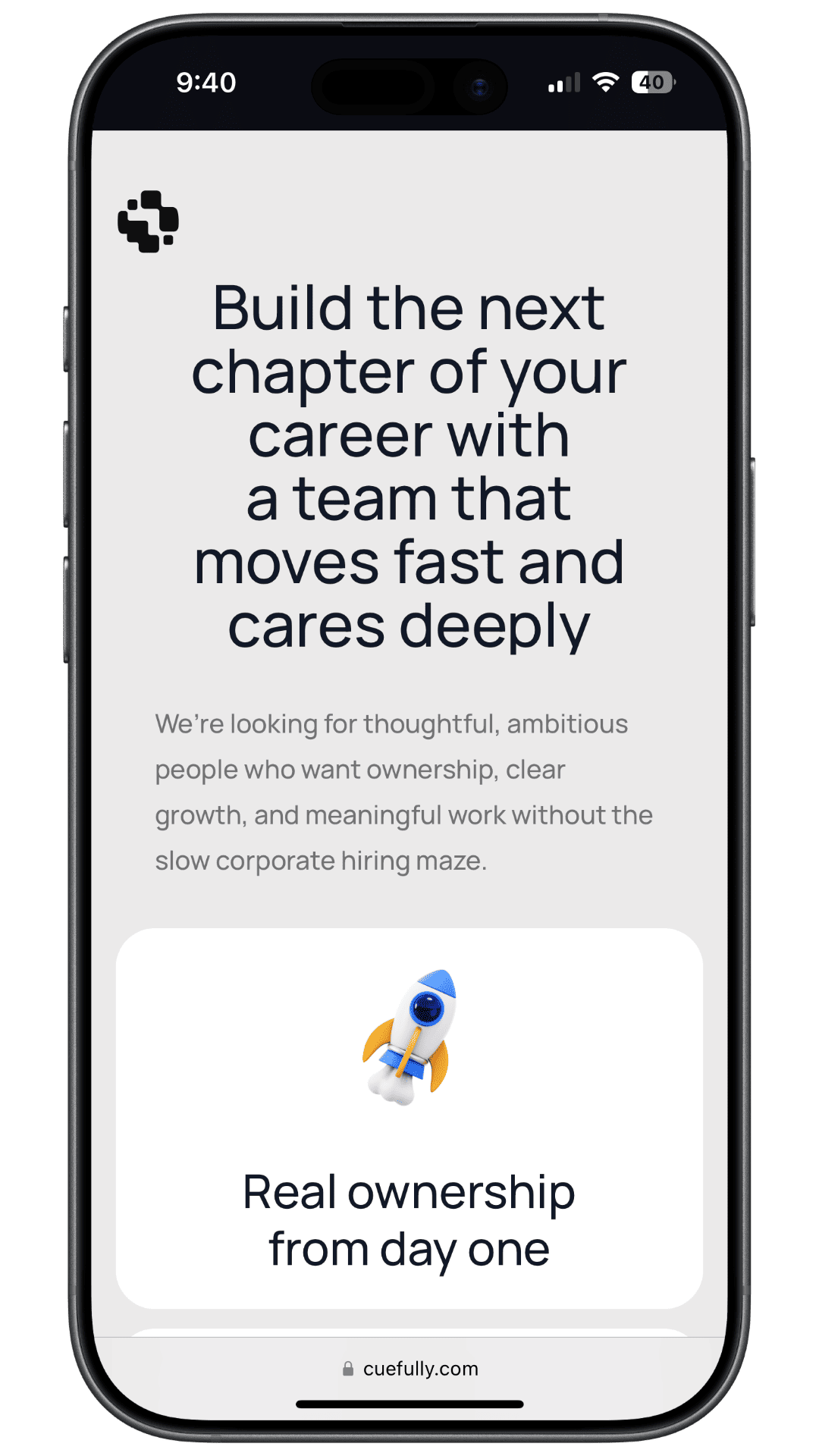
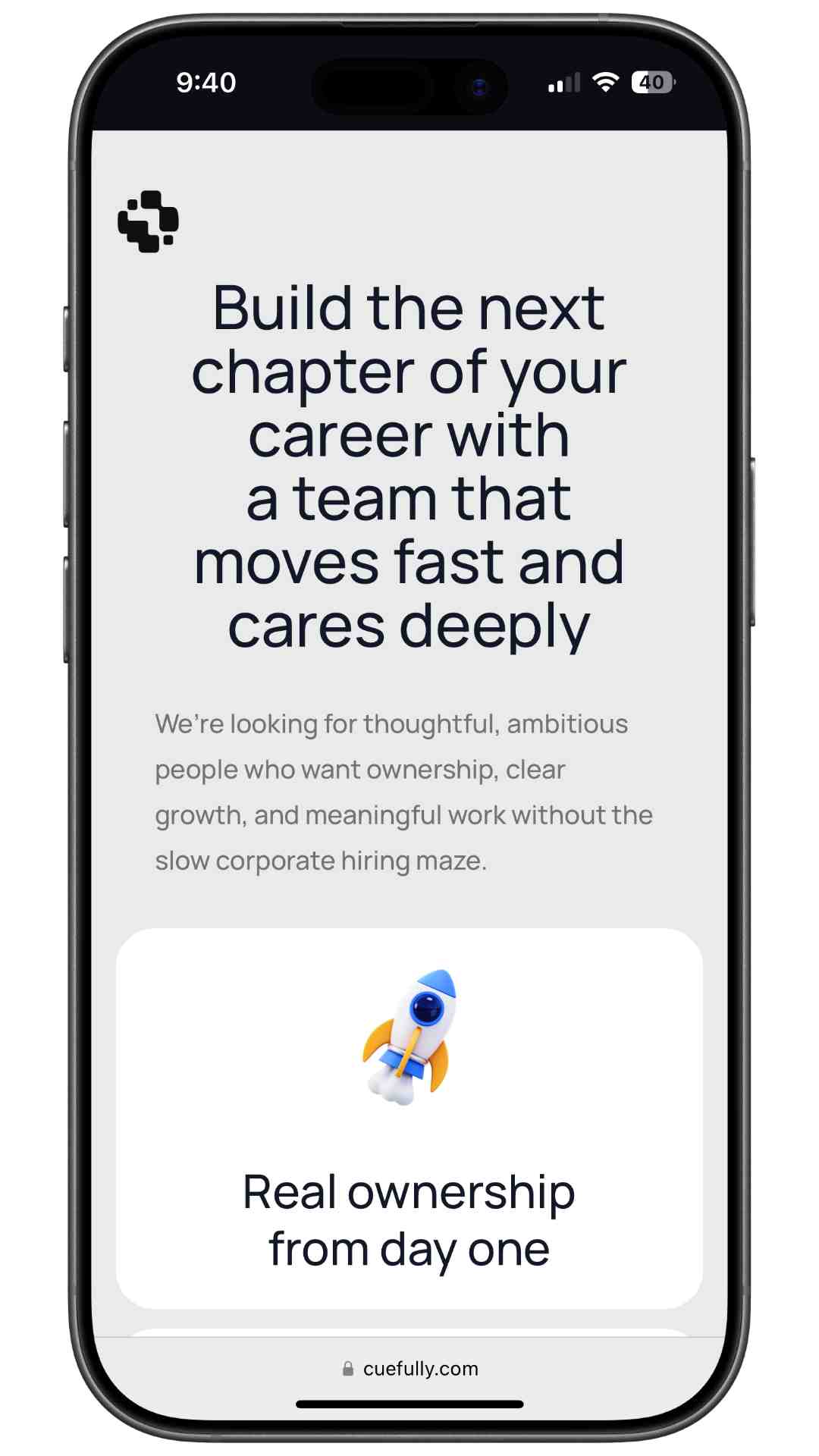
It opens by selling the role, not by asking for anything. The first screen is a pitch: what the team is like, what ownership looks like, and a plain explanation of the hiring process with the number of stages and what happens at each. A candidate who reads that and leaves was never going to be a fit, and they left before costing anyone time.
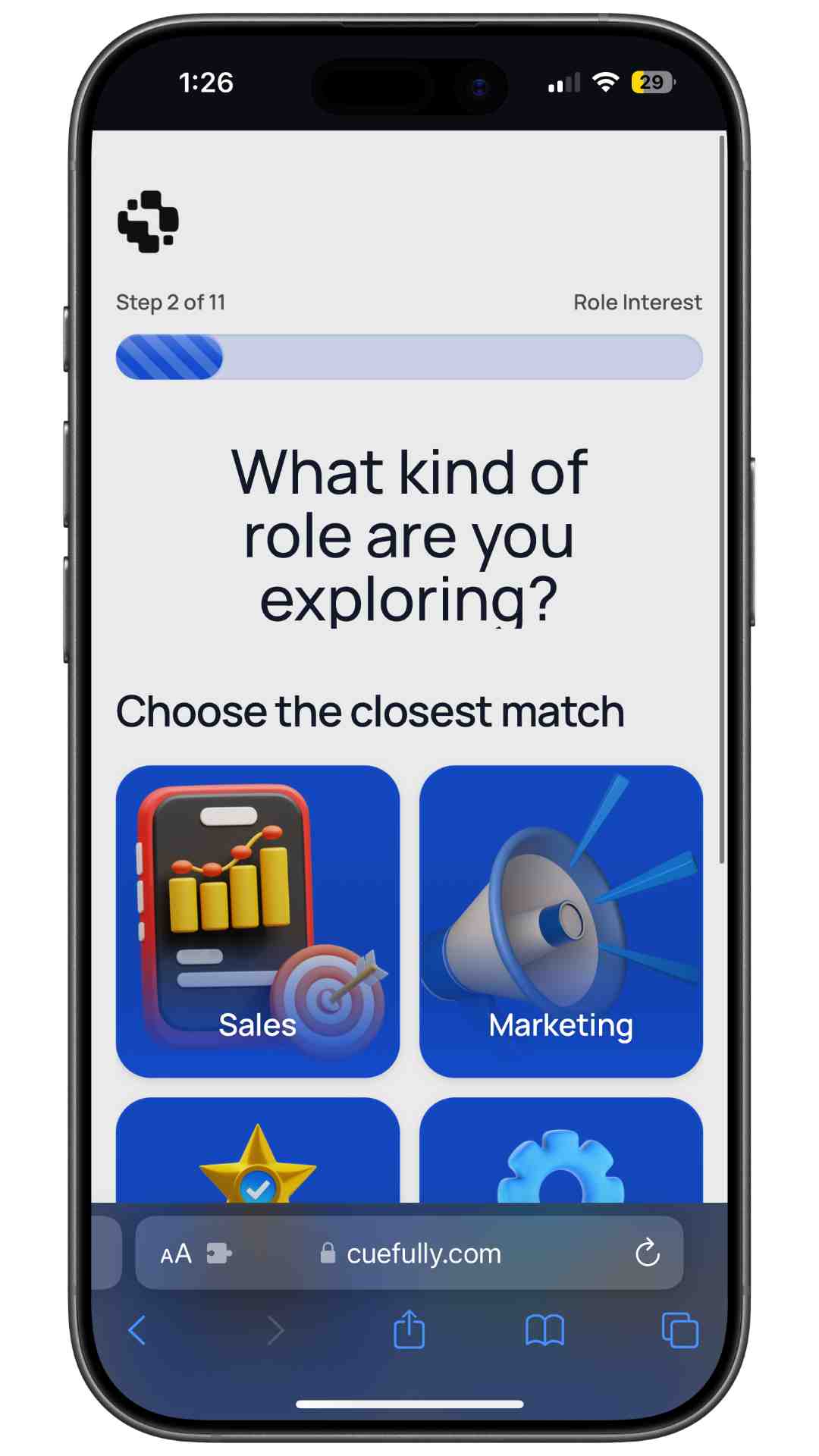
The first question is a visual choice, not a text field. "What kind of role are you exploring?" with six options to tap. Nothing to type, nothing to get wrong, and it sorts applications by team before anything else is asked.
The middle steps qualify without feeling like screening:
Note that step 3 asks "there's no wrong answer, we use this to understand the right path" rather than demanding a CV. That's the same information, gathered in one tap instead of a document upload.
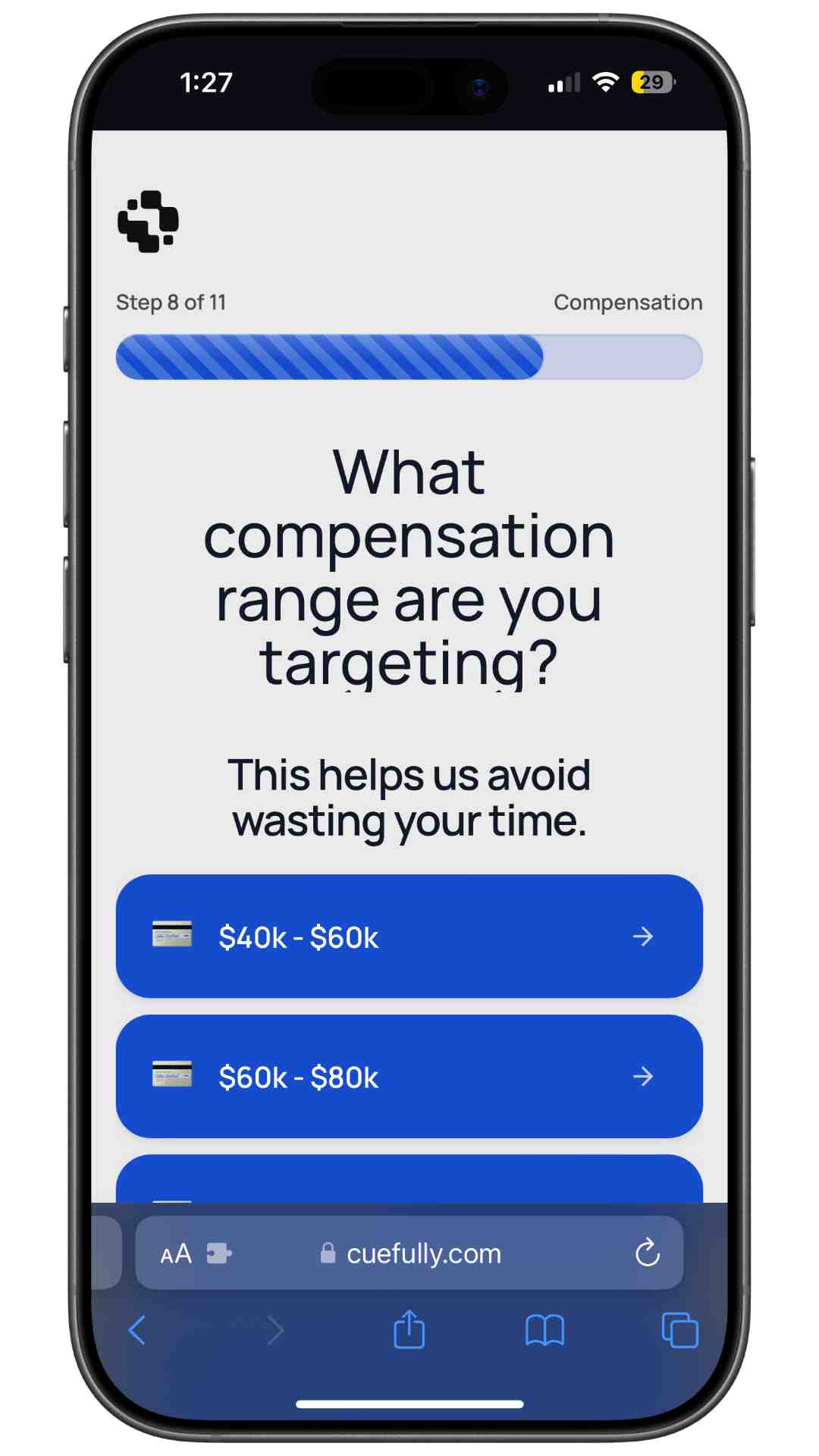
The hardest question comes at step 8, not step 1. Compensation range, framed as "this helps us avoid wasting your time." Asked first, that question reads as a filter. Asked eighth, after the candidate has invested seven steps and understands the role, it reads as respect for their time. Both sides get to stop early if the numbers don't work.
The open question is step 9, once someone has committed to finishing and will actually write something considered.
Contact details are last, and the CV upload is optional rather than required. By that point the candidate has done the work and wants the outcome, which is the moment they're most willing to hand over a phone number.
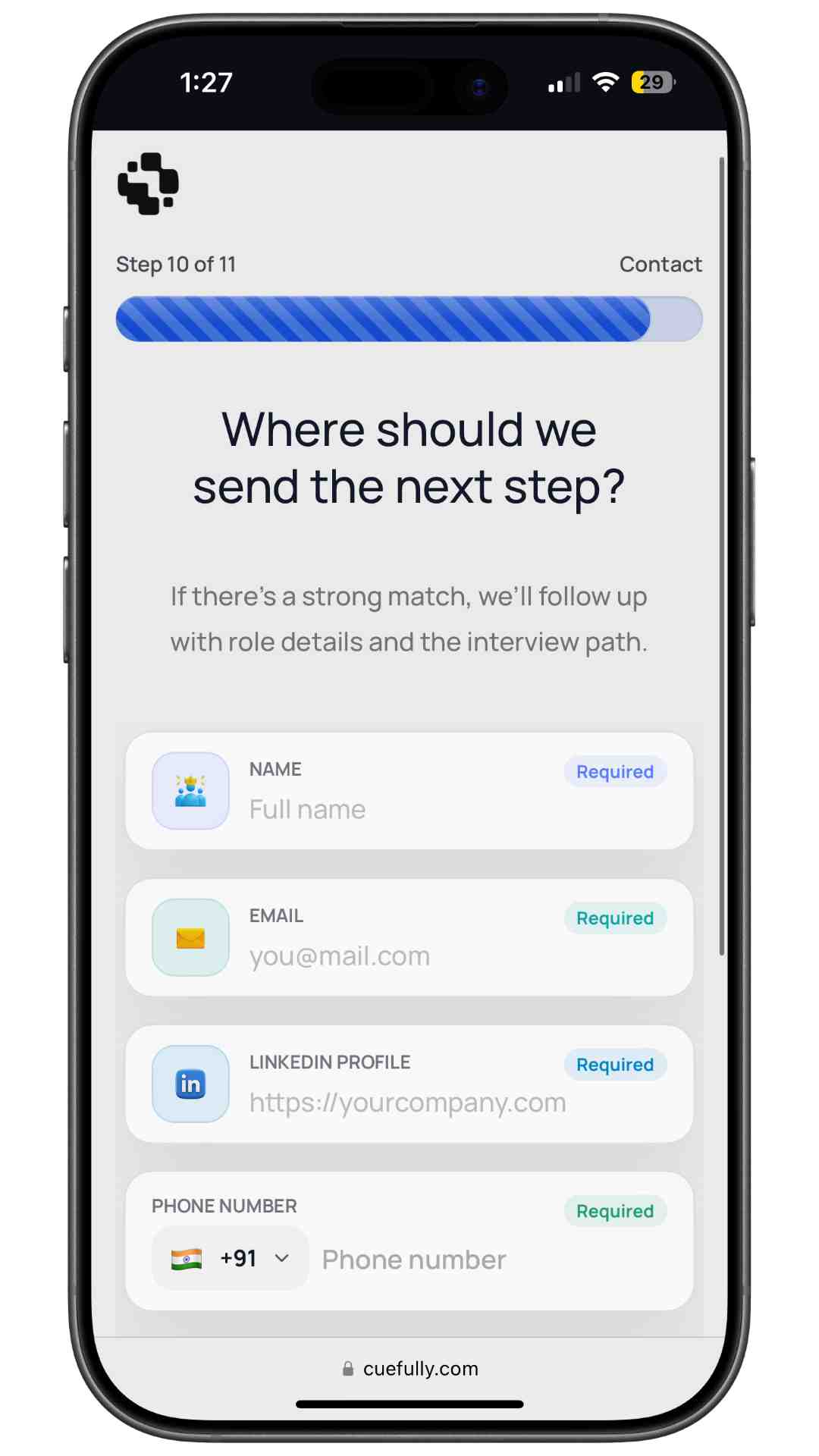
The whole thing takes about two minutes on a phone. Compare that with the standard version: create an account, upload a CV, retype your employment history into a form, then answer the screening questions anyway.
Should you use a job application form template?
A template is a sensible starting point and a poor finishing point.
Where templates help: they give you the standard structure, remind you of fields you'd forget, and save an hour of blank-page work. If you're hiring for a common role type, most of the questions are the same ones everyone asks.
Where they hurt: a generic template asks generic questions, which produces applications you can't screen on. The must-haves for a delivery driver, a nurse, and a sales rep are completely different, and those questions are the entire value of the form. A template that isn't adapted collects a lot of information and tells you nothing.
The practical approach: start from a template for structure, then rewrite every screening question for the specific role. Our guide to candidate screening questions has examples by role type and covers where in the flow they belong.
Are paper application forms still worth using?
Paper still exists for walk-in hiring in retail, hospitality, and trades, and there's a reason: it captures someone who is physically present and motivated right now.
The problem is everything after. Paper forms have to be typed up, get lost, arrive illegible, and can't be filtered or searched. If you're hiring at any volume, the transcription cost usually exceeds whatever the paper form saved.
The middle ground that works well for walk-in hiring: a QR code or short link to a mobile application flow that takes two minutes on the candidate's own phone. You keep the immediacy and lose the transcription.
What should you measure?
Two numbers tell you most of what you need:
Then, further down: how many completed applications pass screening. If that number is very high, your form isn't screening enough. If it's very low, your job ad is attracting the wrong people, which is an advertising problem, not a form problem.
Our guide to recruiting metrics covers how to calculate these properly, and the recruitment funnel guide shows where application friction sits in the wider hiring process.
Frequently asked questions
What should be included in a job application form? The role and position, availability, genuine must-have requirements such as licences or right to work, a small number of targeted experience questions, one open question, and contact details. Anything that won't change your interview decision should be cut.
What are the different types of job application form? Standard long forms, short forms, multi-step flows, internal applications, and role-specific forms. Most employers should default to a short multi-step flow and reserve the long form for roles where a regulator or client contract requires a full record.
What questions are illegal on a job application form? This varies significantly by country and often by state or region, but restrictions commonly cover age, health and disability, marital and family status, religion, criminal history, and salary history. Because the rules differ so much by location, keep the form to genuine role requirements and check the regulations that apply where you're hiring.
How long should a job application form be? Short enough that a suitable candidate finishes it on a phone in a few minutes. For most roles that's five to eight questions. Length matters less than whether every question earns its place. A long form of relevant questions beats a short form of useless ones, but both lose to a short form of relevant ones.
Should a job application form require a CV? Usually not as a hard requirement. Mandatory CV upload is the largest single drop-off point on mobile applications, and for many roles the three or four things you'd screen on can be asked directly. Offer it as optional if it's useful for later stages.
Where should I ask about salary expectations? Late, and framed as saving both sides time rather than as a filter. Asked at the start it reads as a hurdle, and in several jurisdictions asking for salary history is restricted outright. Asking for the range someone is targeting, after they understand the role, is both more useful and less risky.
What is the best format for an online job application form? A mobile-first multi-step flow: one question per screen, selections instead of typing where possible, easy questions first, contact details last, and a clear statement of what happens after submission.
How do I stop candidates abandoning my application form? Remove the CV requirement and any account creation, split the form into short steps, design it for a phone, and cut every field you won't screen on. Then measure drop-off per question so you can see which one is actually causing the loss rather than guessing.
Ready to build one? Start free with CueFully, the mobile-first funnel builder made for agencies.
Build from the guide
Start with the Recruitment Funnel template
Start from a proven mobile-first flow, customize it for your client, and publish a funnel that captures qualified leads without adding developer work.